PLAN DESIGN VISUALISE BRING IT TO LIFE
See your
business
take shape.
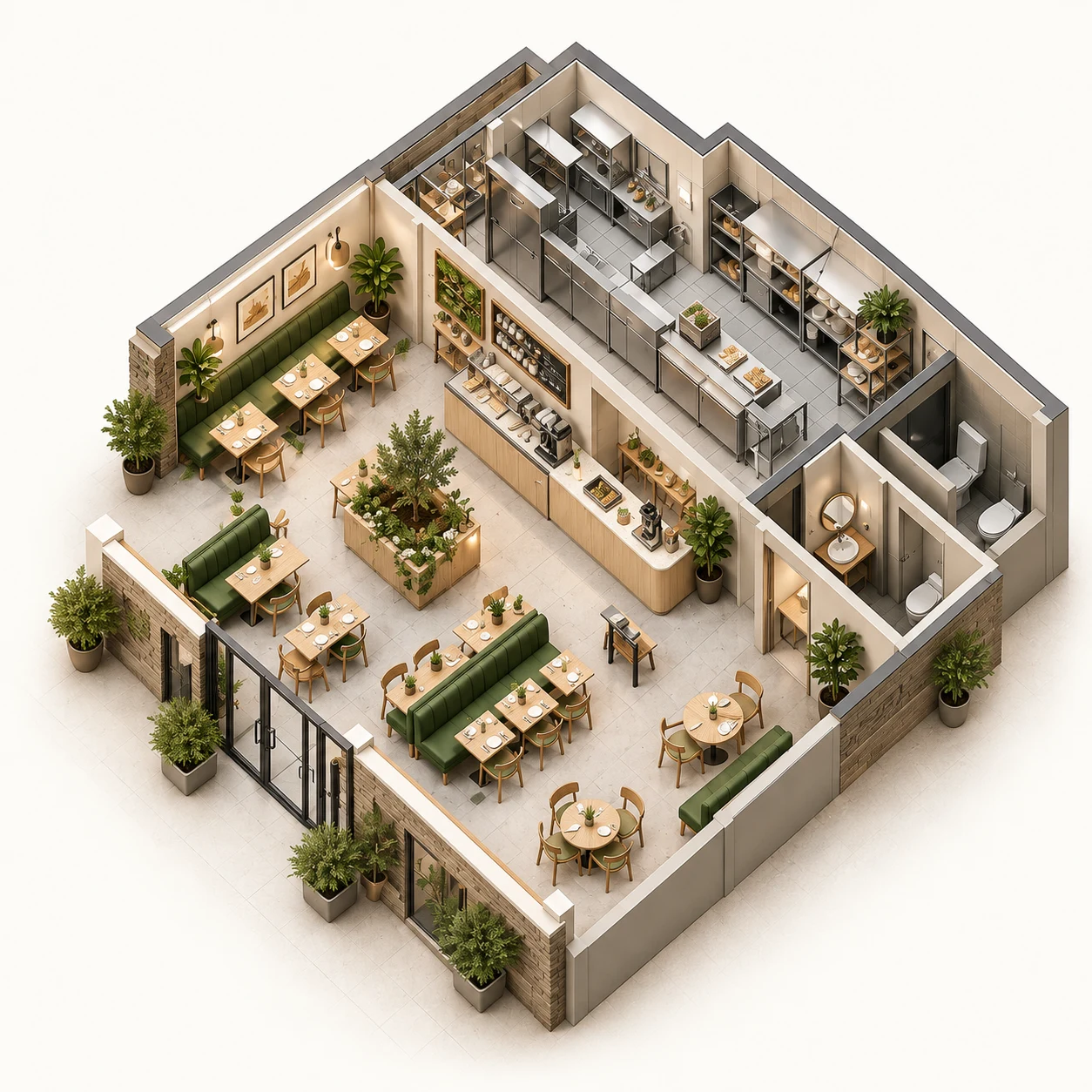
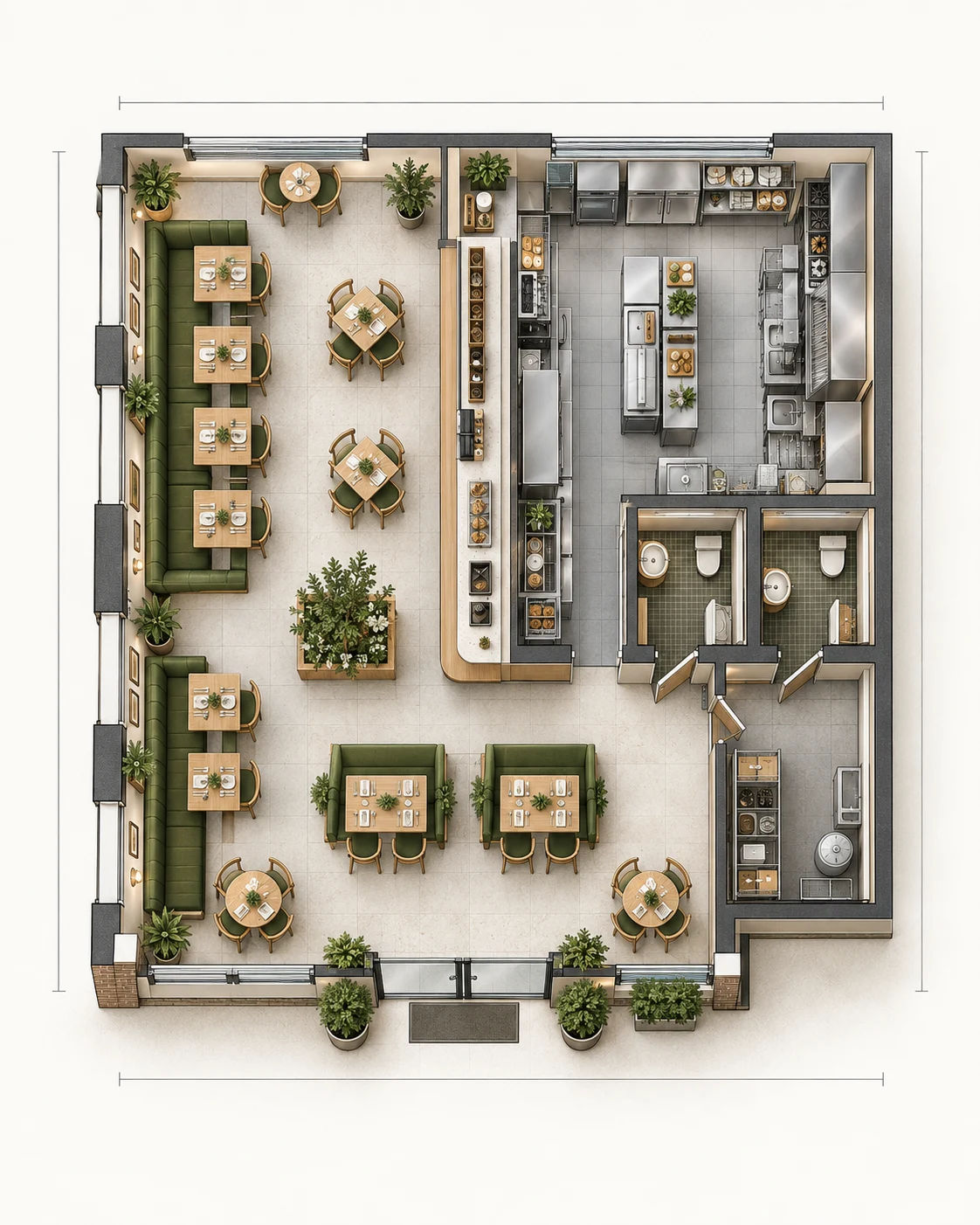
Plan commercial spaces in 2D.
Explore every possibility in 3D.
Start with the restaurant concept. No sign-up needed.
A PLATFORM FOR REAL SPACES
One planner.
Different spaces.
From hospitality to healthcare, education and beyond. One floor-planning platform, built around the way your business uses space.
- Indoor playgrounds Beta available ↗
- Home gyms Beta available ↗
- Restaurants Beta available ↗
- Dental clinics Beta available ↗
- Classrooms Beta available ↗
- Two-storey café Beta available ↗
Pick a space to open its furnished starter. Edit in 2D, explore in 3D and take a walkthrough.
to possibility.
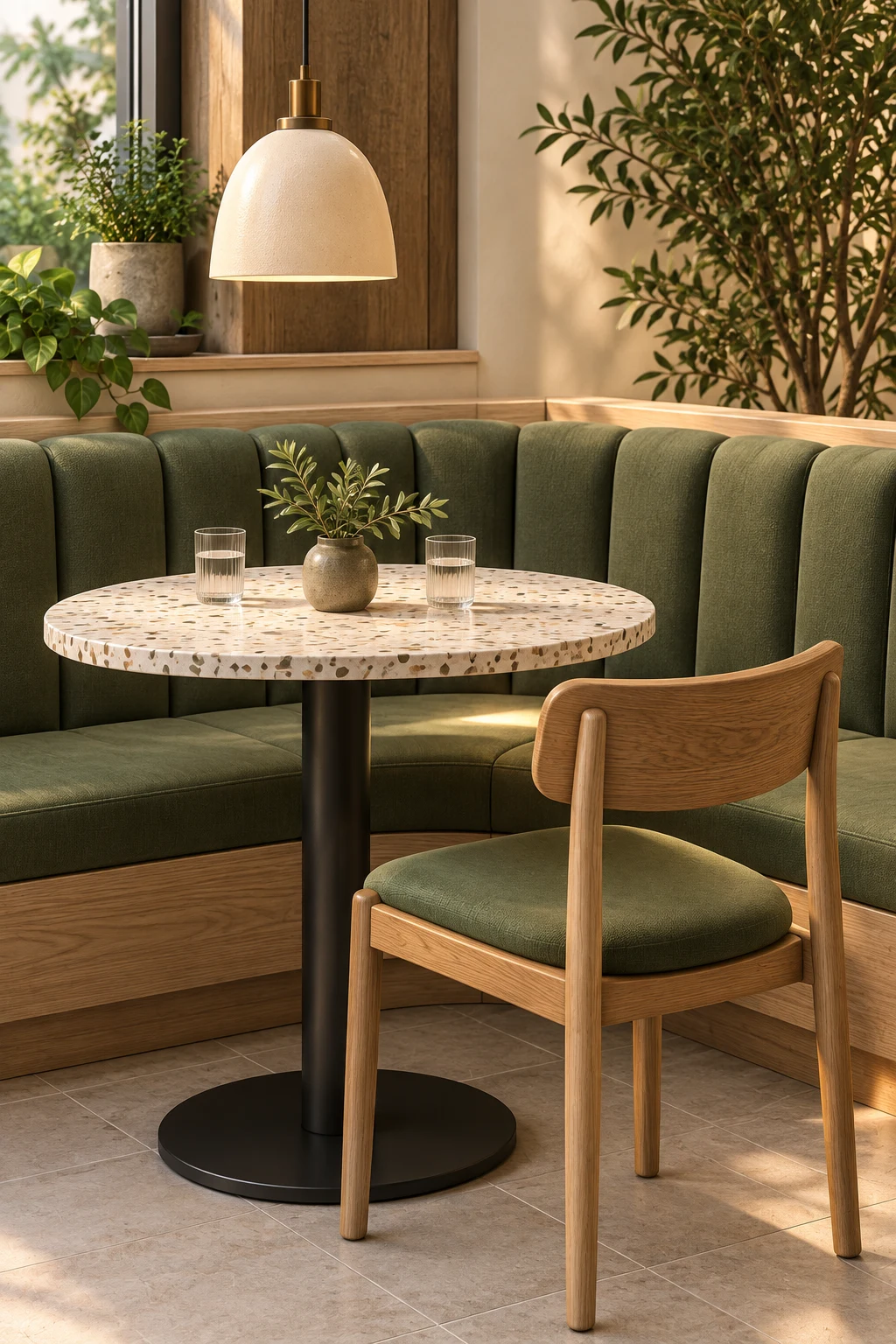
Concept planning. Professional review required. Restaurant images are AI-created design studies, not editor output or purchasable products.
Built for the way you plan
A clear, flexible workflow from first idea to visual concept.
Start in 2D, explore in 3D, and work through the details.
- 01 / SHAPE
Give your idea some room.
Set dimensions, draw rooms and mark out zones. Start with a blank space or an editable example.
- 02 / EXPLORE
See the bigger picture.
Arrange equipment, switch to 3D and take a walkthrough. Try another layout with Undo close by.
- 03 / DISCUSS
Make the next conversation clearer.
Export your concept to discuss with your team, suppliers and qualified professionals.
AVAILABLE TO TRY TODAY
A little planning.
A lot of possibility.
Explore the working indoor playground example. These 2D and 3D views come from the same editable plan.
Desktop recommended for the editor. Export local work before leaving.
GOOD QUESTIONS.
Before you
begin.
Which spaces can I plan right now?
Open editable starters for indoor playgrounds, restaurants, dental clinics, classrooms and home gyms. Each includes furniture, 2D editing, 3D preview and walkthrough. There is also a café starter. These are early planning concepts, not specialist compliance tools or certified product layouts.
Can I try it without an account?
Yes. Explore, edit and export a local plan without signing up. Create an account only when you want to save plans, reopen versions or publish a view-only link. Guest work remains on this device unless you sign in to save it.
Is this a construction-ready floor plan?
No. These are conceptual layouts for early planning and discussion, not certified architectural, safety, accessibility, or construction documents. Have qualified professionals review your project before purchasing or building.
Can I order the furniture in these images?
No. The restaurant visuals are AI-created concept imagery, not a product catalog or supplier quote. Confirm actual product dimensions, availability, installation requirements and clearances with suppliers and qualified professionals.
Can I use it on my phone?
You can explore this site and shared plans on your phone. For drawing, arranging equipment and the full editor, use a desktop or laptop.
MAKE SPACE FOR WHAT’S NEXT.
Your idea.
A new perspective.
Explore the planner Five kinds of space. One planner. No sign-up to try.